Expose internal services securely
Self-hosted reverse proxy tunneling - like ngrok, but yours.
Octoporty creates secure tunnels from your private network to the public internet. Deploy the Gateway on a cloud server, run the Agent behind your firewall, and expose any internal service with automatic HTTPS.
How it works
Traffic flows through your Gateway server and is tunneled to services in your private network.
┌─────────────────────────────────────────────────────────────────────────────────┐
│                                  INTERNET                                       │
│                                                                                 │
│    Users access: app.yourdomain.com, api.yourdomain.com, etc.                   │
└─────────────────────────────────────────────────────────────────────────────────┘
                                       │
                                       ▼
┌─────────────────────────────────────────────────────────────────────────────────┐
│                        CLOUD SERVER (Public IP)                                 │
│  ┌──────────────────────────────────────────────────────────────────────────┐   │
│  │                              Caddy                                        │  │
│  │                     (Reverse Proxy + Auto HTTPS)                          │  │
│  │                         Ports: 80, 443                                    │  │
│  └──────────────────────────────────────────────────────────────────────────┘   │
│                                       │                                         │
│                                       ▼                                         │
│  ┌──────────────────────────────────────────────────────────────────────────┐   │
│  │                        Octoporty Gateway                                  │  │
│  │                     (WebSocket Connection Hub)                            │  │
│  │                          Port: 17200                                      │  │
│  └──────────────────────────────────────────────────────────────────────────┘   │
└─────────────────────────────────────────────────────────────────────────────────┘
                                       │
                                       │  WebSocket Tunnel
                                       │  (MessagePack + Lz4)
                                       │
                           ┌───────────┴───────────┐
                           │       FIREWALL        │
                           └───────────┬───────────┘
                                       │
                                       ▼
┌─────────────────────────────────────────────────────────────────────────────────┐
│                          PRIVATE NETWORK                                        │
│  ┌──────────────────────────────────────────────────────────────────────────┐   │
│  │                         Octoporty Agent                                   │  │
│  │              (Tunnel Client + Web Management UI)                          │  │
│  │                          Port: 17201                                      │  │
│  └──────────────────────────────────────────────────────────────────────────┘   │
│                                       │                                         │
│              ┌────────────────────────┼────────────────────────┐                │
│              │                        │                        │                │
│              ▼                        ▼                        ▼                │
│  ┌───────────────────┐   ┌───────────────────┐   ┌───────────────────┐          │
│  │    Web App        │   │      API          │   │    Database       │          │
│  │  localhost:3000   │   │  localhost:8080   │   │  localhost:5432   │          │
│  └───────────────────┘   └───────────────────┘   └───────────────────┘          │
└─────────────────────────────────────────────────────────────────────────────────┘
Features
Everything you need to securely expose internal services.
Self-Hosted
Full control over your infrastructure. No third-party data exposure.
Automatic HTTPS
Caddy integration provides automatic TLS certificates via Let's Encrypt.
Web Dashboard
React-based UI for managing port mappings and monitoring connections.
Multi-Domain
Route multiple domains to different internal services through one tunnel.
Auto-Reconnect
Agent maintains persistent connection with exponential backoff recovery.
Private End-to-End
Your traffic stays on your infrastructure. No third-party servers involved.
Screenshots
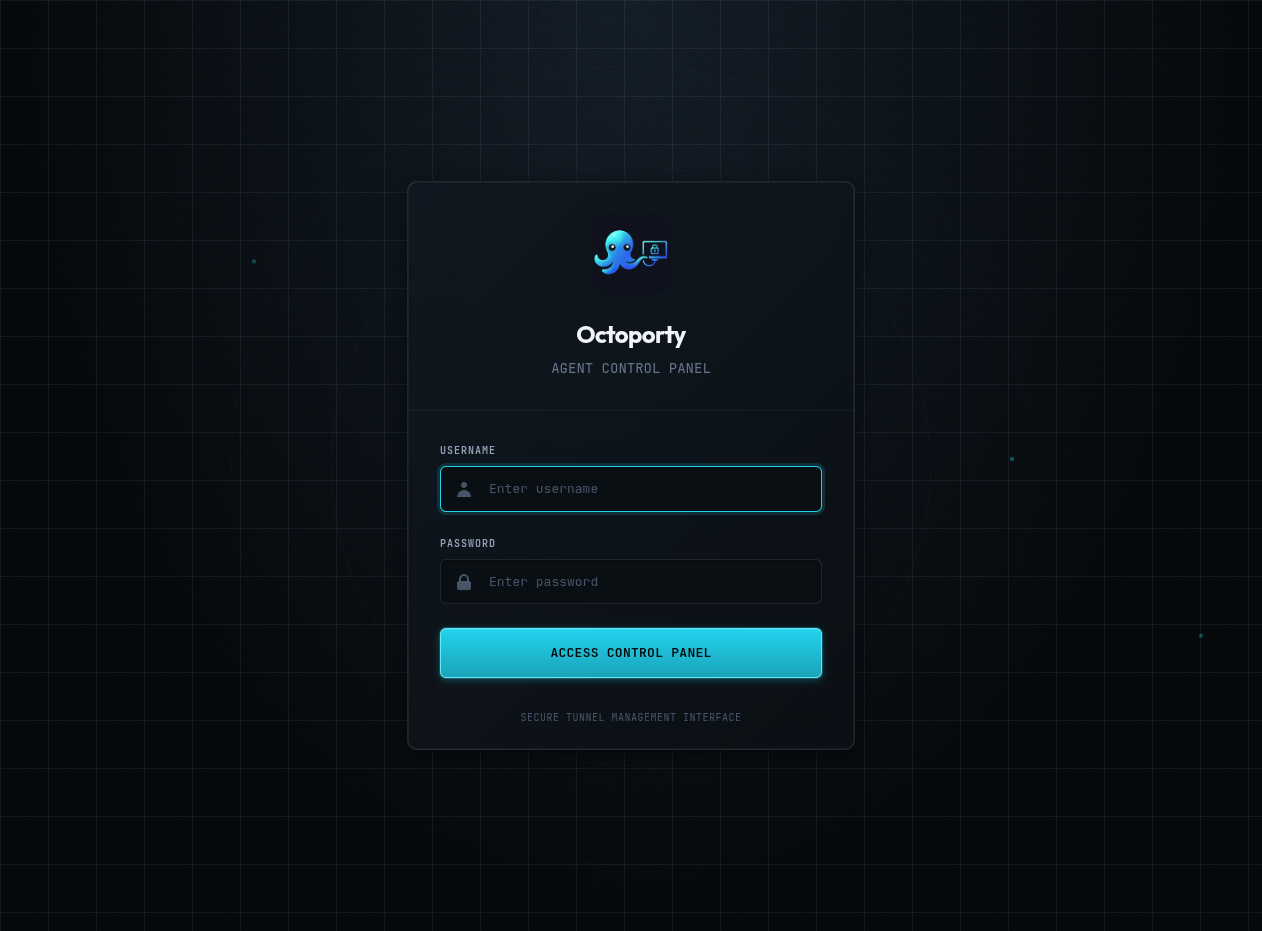
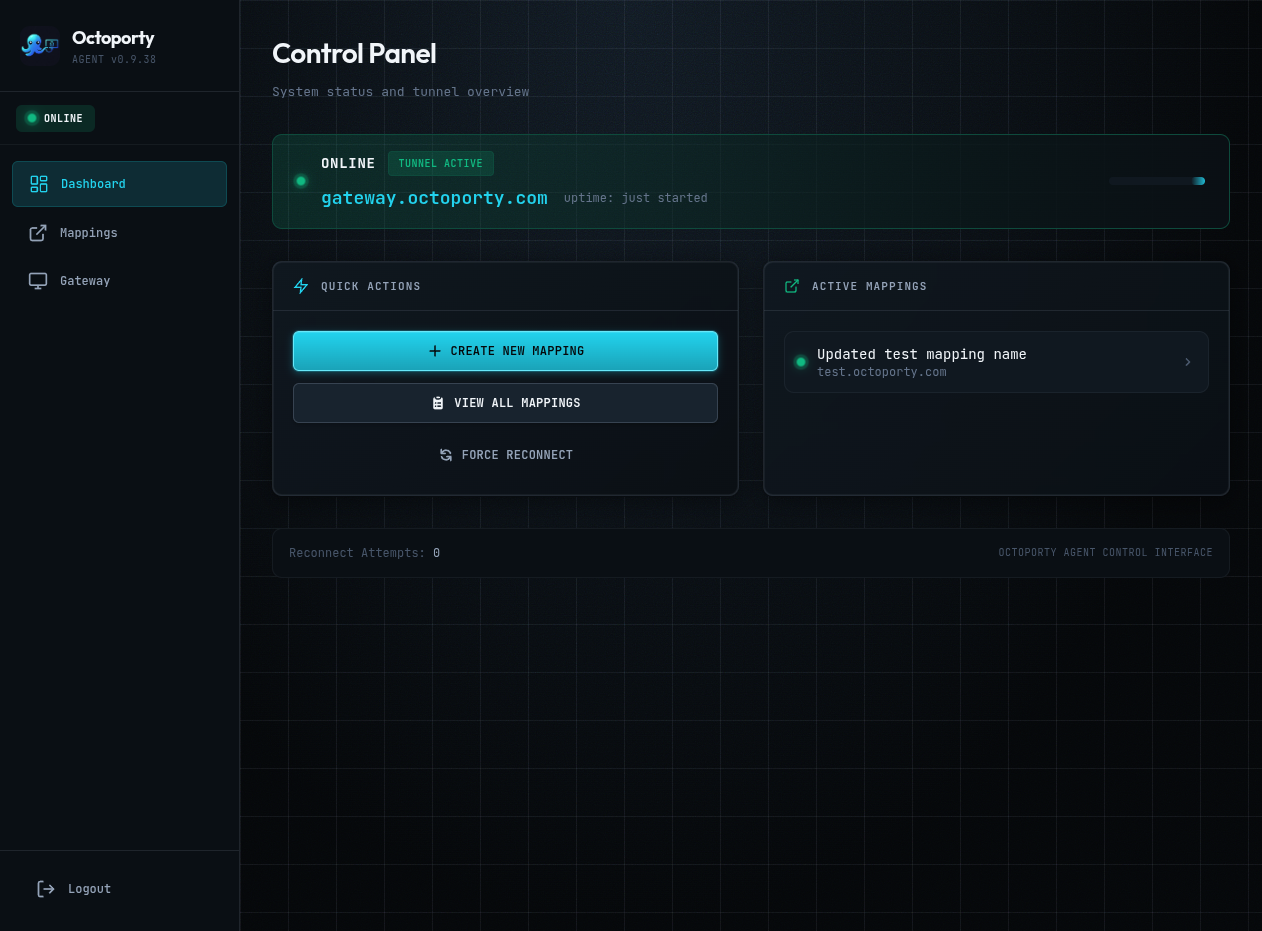
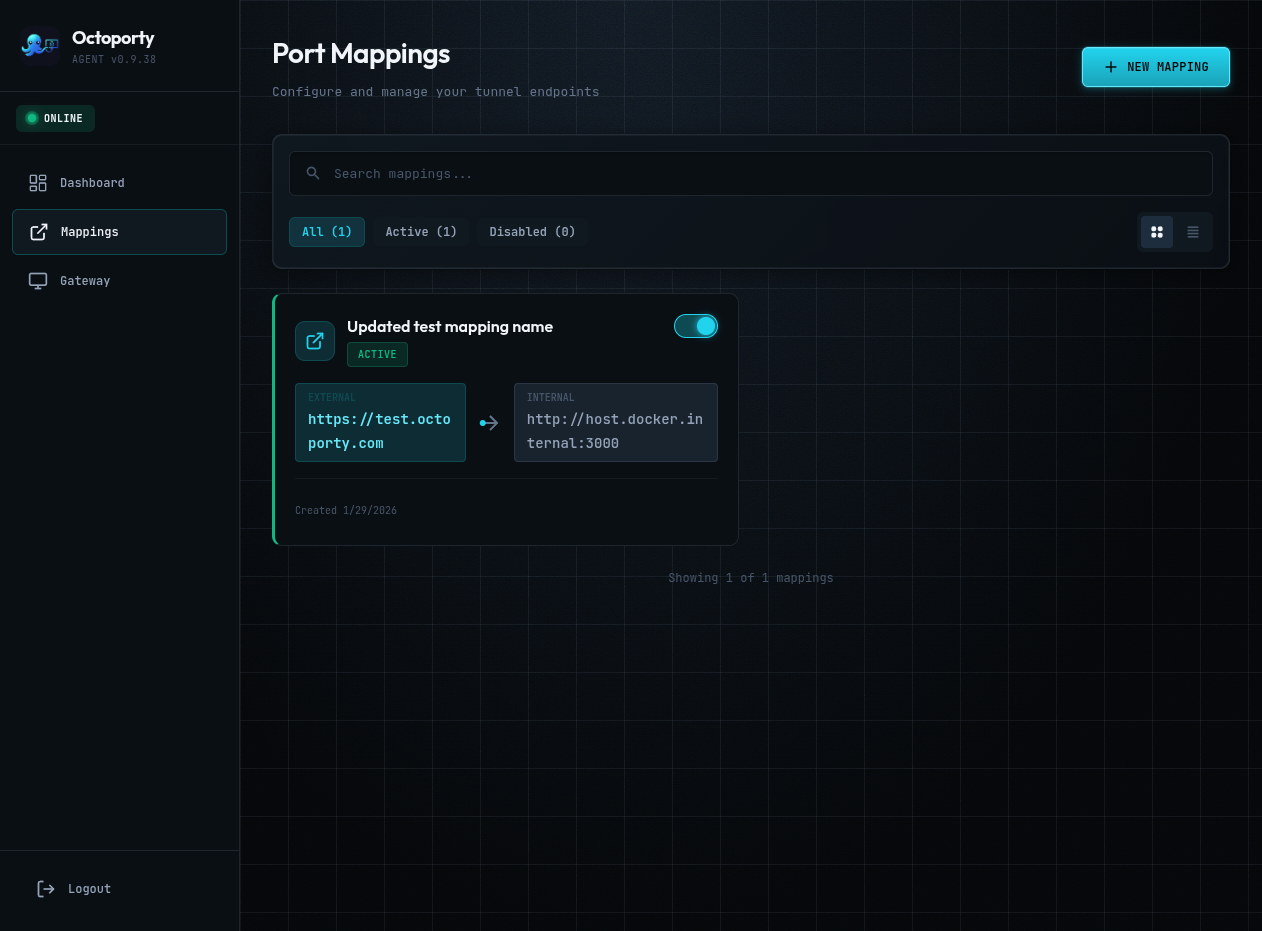
The Agent web interface for managing your tunnels.
Getting started
Deploy in two steps: Gateway on your cloud server, Agent in your private network.
Step 1: Install Gateway (Cloud Server)
# SSH into your cloud server
ssh [email protected]

# Download and run the Gateway installer
# (prompts for domain, generates API key automatically)
curl -fsSL https://octoporty.com/install-gateway.sh | bash

# Start the Gateway
cd /opt/octoporty/gateway && docker compose up -d
Step 2: Install Agent (Private Network)
# SSH into your private network server
ssh [email protected]

# Download and run the Agent installer
# (prompts for Gateway URL and API key from Gateway install)
curl -fsSL https://octoporty.com/install-agent.sh | bash

# Start the Agent
cd /opt/octoporty/agent && docker compose up -d
Once both are running, access the Agent web UI at http://your-agent:17201 to configure port mappings.
Platform Guides
Running on specific platforms? Check out our detailed guides:
Updating
Update to the latest version with a single command.
| Component | Update Command |
|---|---|
| Gateway |
curl -fsSL https://octoporty.com/update-gateway.sh | bash
|
| Agent |
curl -fsSL https://octoporty.com/update-agent.sh | bash
|
| Auto-Updater |
curl -fsSL https://octoporty.com/install-updater.sh | sudo bash
Add to existing Gateway |
See the README for detailed update instructions and migration guides.
Resources
Documentation, source code, and container images.